Add a Cover to your Store
How to add a cover to your store.lapture.app...
If you've connected your own domain the theme may not be yellow. Use your own domain insted of store.lapture.app
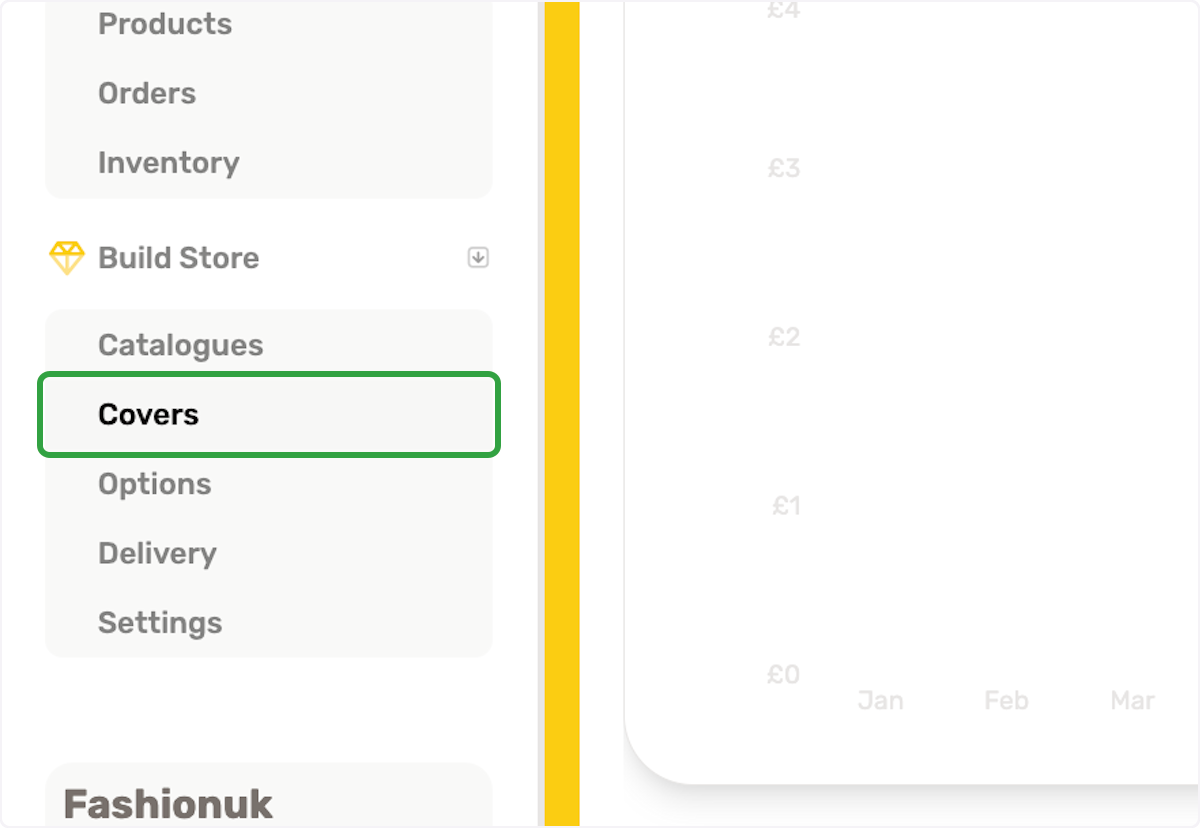
1. Click on Covers in the left sidebar
2. Click on Add New top right
3. Select a file from upload menu
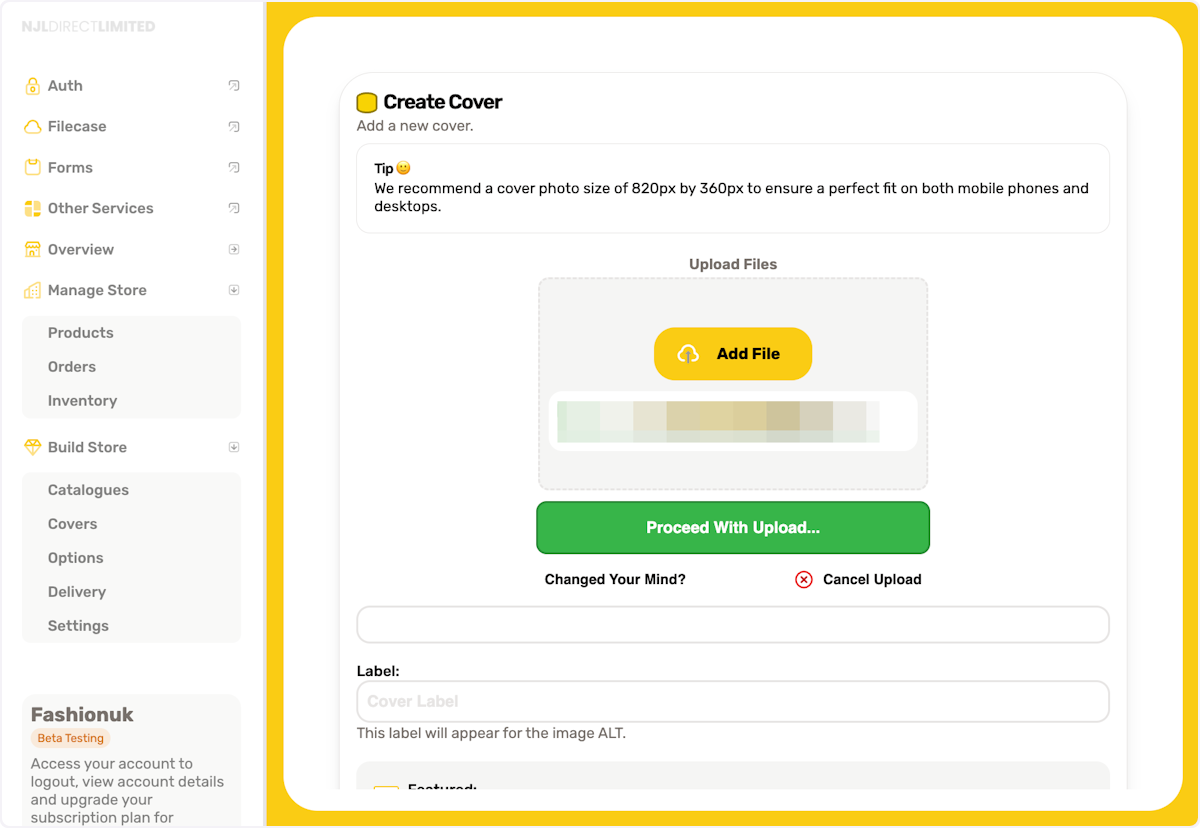
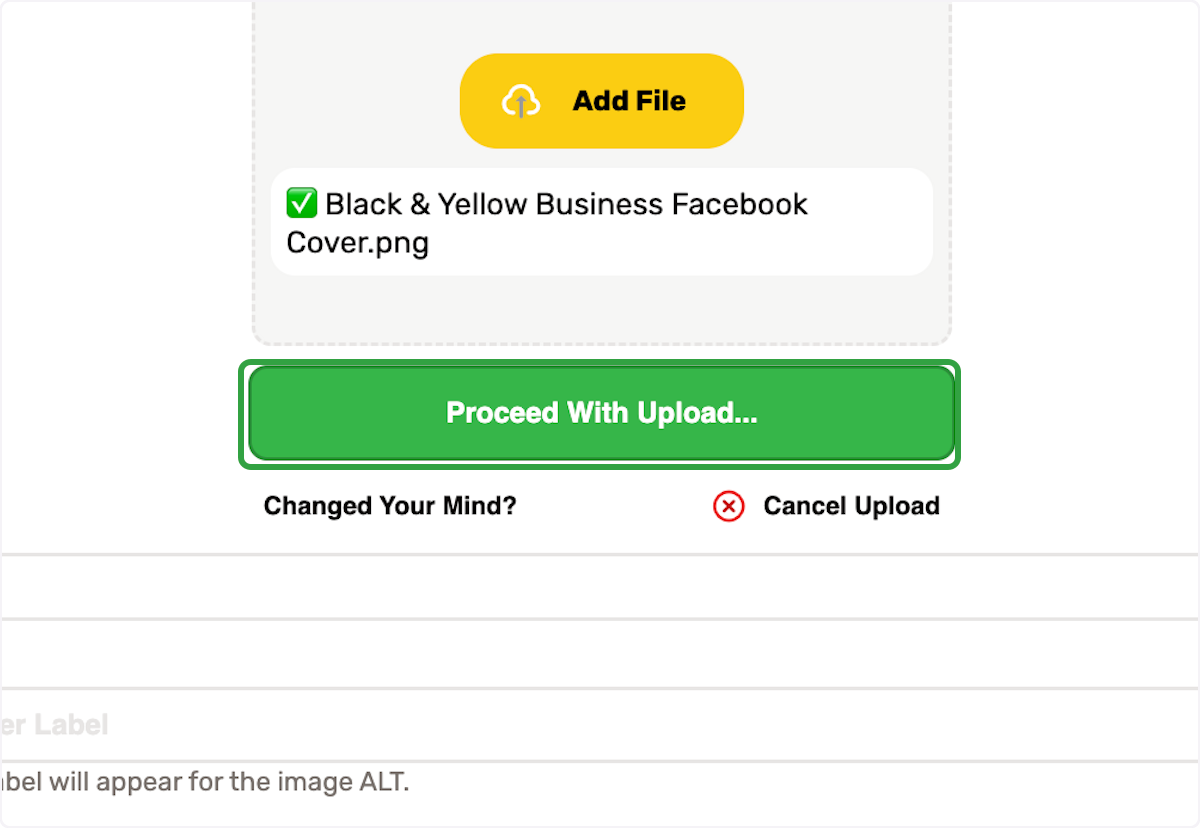
4. Click on Proceed With Upload...
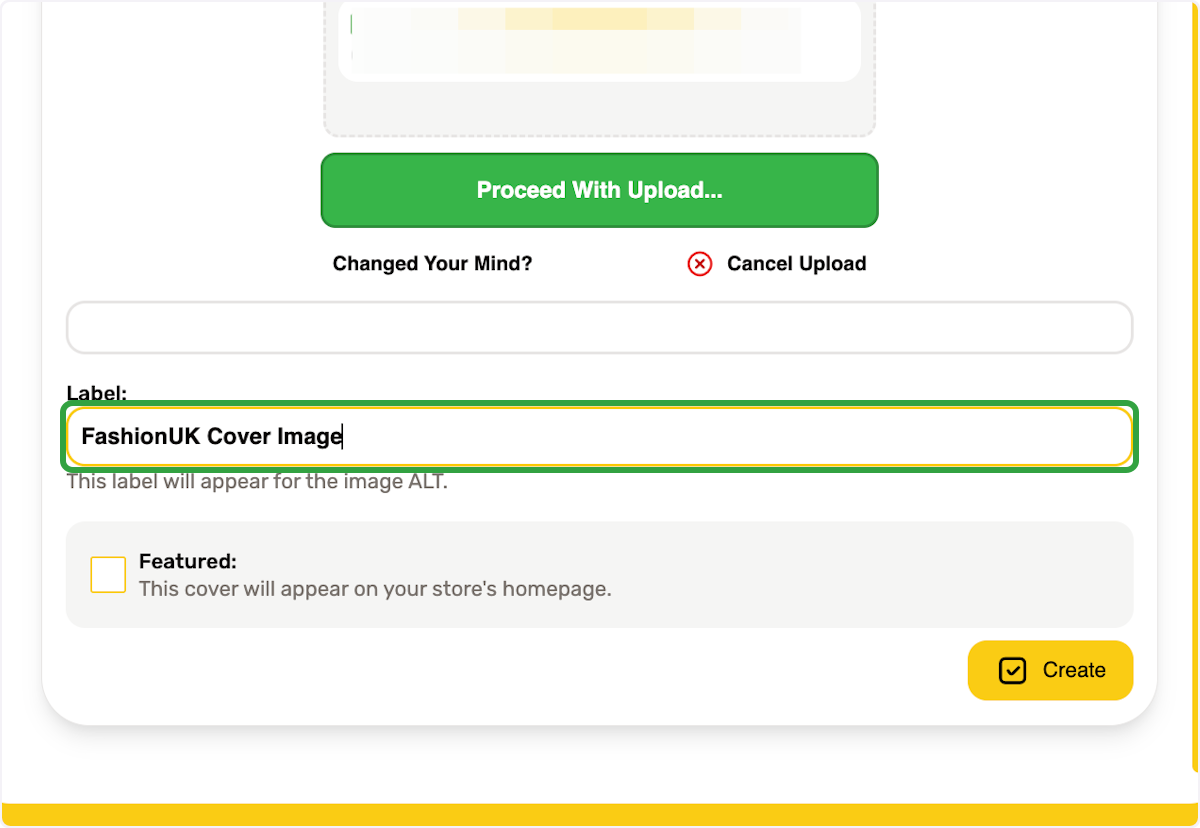
5. Type a label name
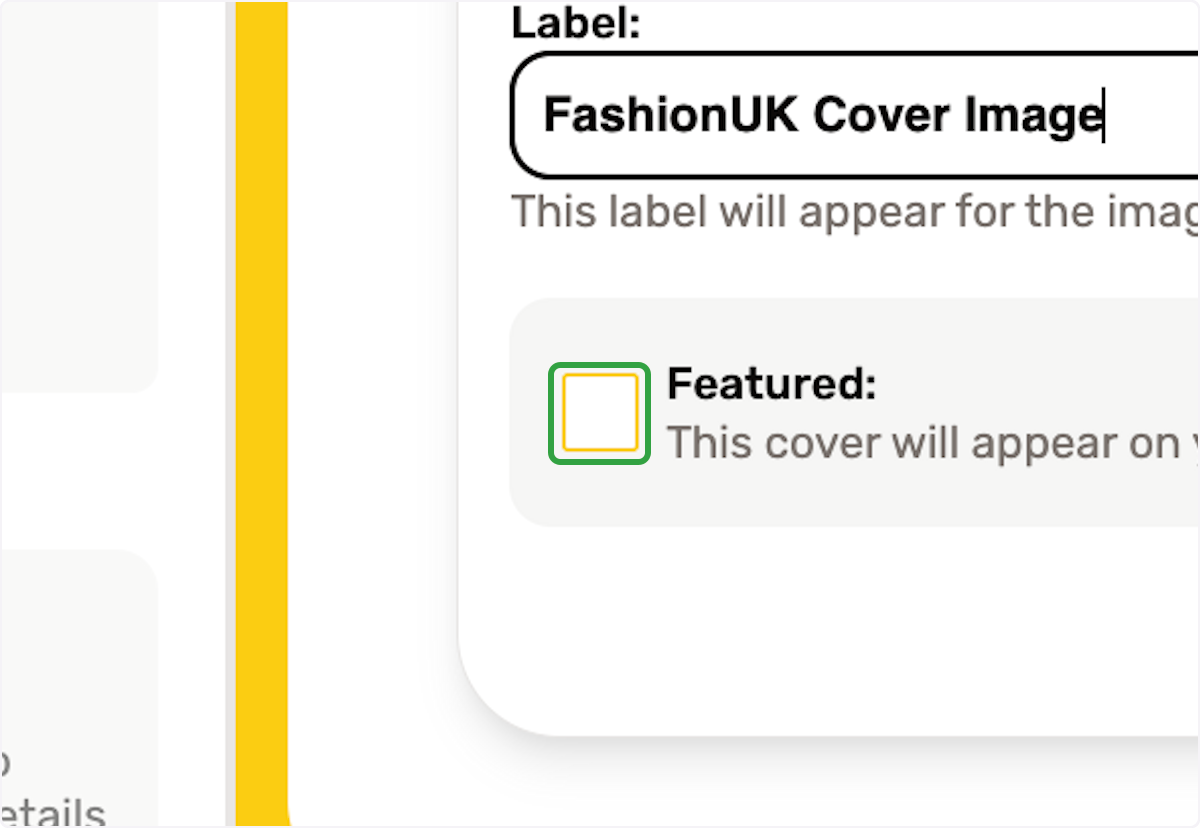
6. If you want to show the cover image on your homepage, select this check box
7. Click on Create